Remote support
Remote support software for helpdesks and internal IT
When a user calls, the first minute decides. Connect, see what they see, fix it — without walking them through an installer and without anyone reading a password down the phone.
Request a trial See cloud plans
Attended sessions, with consent
For end-user support the session is requested and the user confirms it on their own screen. They can see who is connected and can end the session at any time. That is not a formality: trust in a support team rests on nobody watching unnoticed.
Servers and machines with no user present follow the other path — unattended access, governed by the assignment.
A picture you can actually read
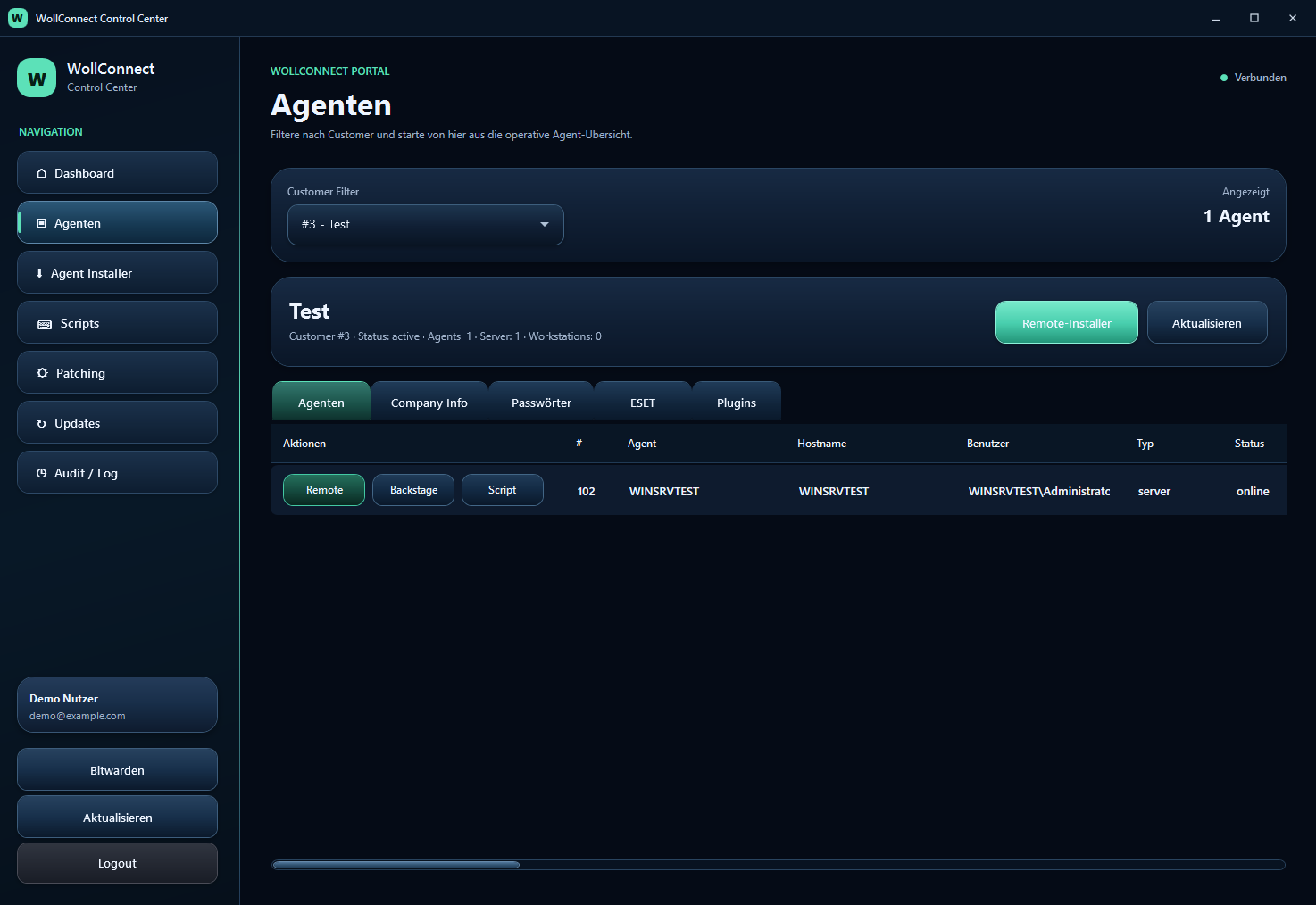
A support image where text is unreadable costs more time than a higher frame rate saves. WollConnect streams hardware-accelerated in H.264, HEVC or VP9 — whichever both ends support — and falls back to a still-image mode when it has to.
Multiple monitors are detected and can be shown individually or together. Scaled displays, the normal case on modern laptops, are handled correctly, so the pointer lands where you point.
Files in both directions
Files can be sent to the machine and pulled from it. On the target machine the familiar Windows progress dialog appears, so the user can see that something is happening instead of wondering why their computer is busy. Larger transfers continue in the background and can be cancelled.
An audit trail you did not have to build
Sessions and jobs are recorded: who, when, on which machine, with what result. The output of a script or an update run is kept and can be read later — not only while the window is open.
That is the difference between "we did that at some point" and evidence you can hand over.
Frequently asked questions
Can the user see that someone is connected?
In an attended session, yes — they confirm it and can end it at any time. Unattended access to servers is a separate path governed by the assignment.
How many technicians can work at the same time?
That depends on the plan: one concurrent session on Cloud Starter, three per technician on Cloud Team, six per technician on Cloud Business.