Remote access software
Remote access software for businesses and IT departments
In practice, remote access rarely means "take a quick look". It means reaching a machine nobody is using, working in a way that can be reconstructed afterwards, and being able to show who did what and when.
Request a demo See cloud plans
Built for machines nobody is sitting at
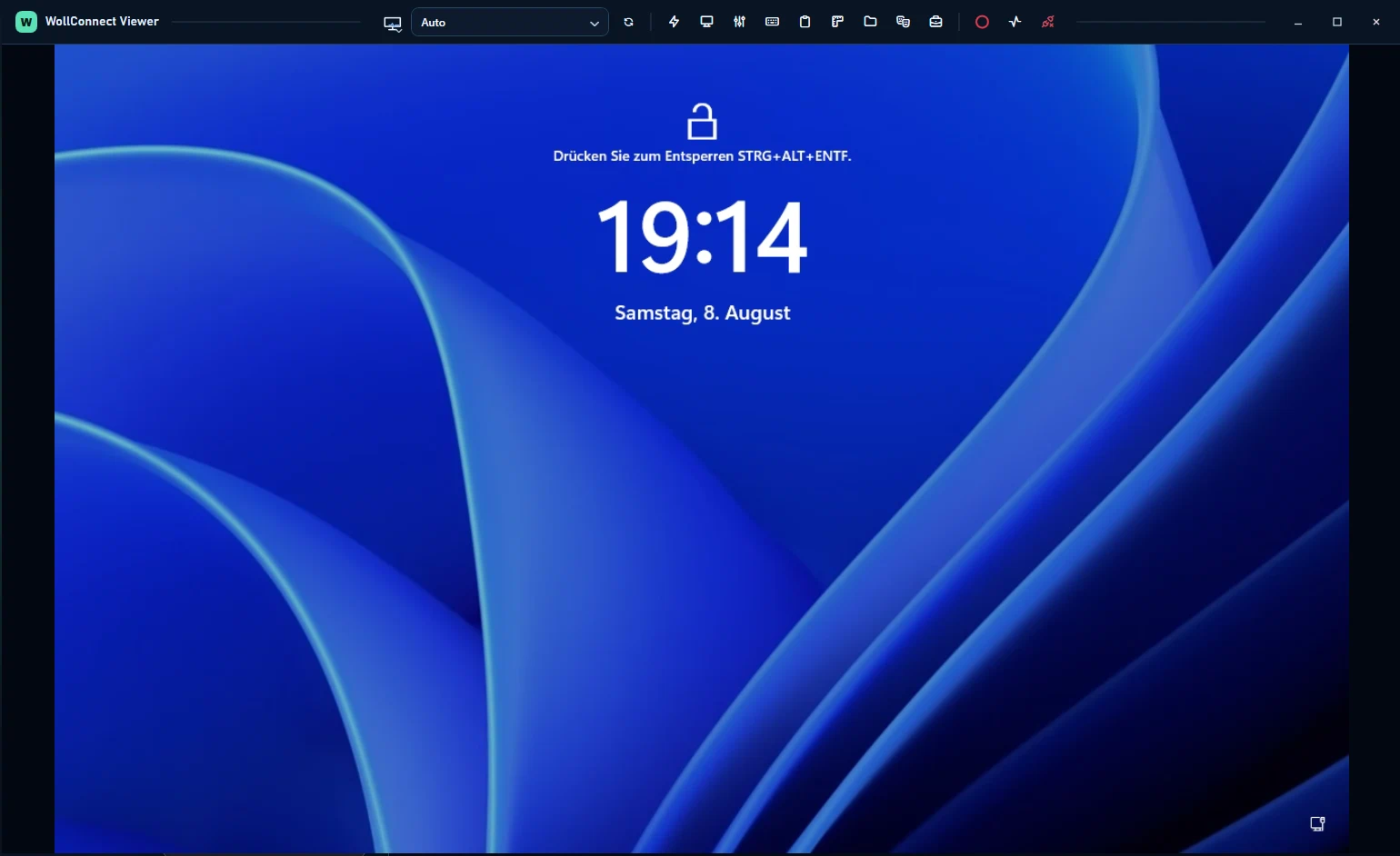
The agent runs as a system service and is reachable whenever the machine is powered on — regardless of whether anyone is logged in. That covers the cases attended tools cannot: the sign-in screen, User Account Control, and Ctrl+Alt+Del on a server after an update.
For end-user support the other path applies: an attended session the user confirms on screen and can end at any time. Which path applies is decided by the assignment, not by chance.
Outbound only
Both sides connect outbound and meet on the relay. Nothing has to be opened in the customer's firewall, and nothing stays open when no support is happening.
If your security review asks how remote access is reachable from the internet, the honest answer here is: it isn't. The machine reaches out; nothing reaches in.
Permissions granted one at a time
Rights sit on the individual user, not on a role with a fixed bundle. Access to assigned machines, access to all of them, managing assignments, deploying software, writing scripts, running scripts, patching — each is granted and revoked separately.
In daily work the difference is concrete: the apprentice reaches a customer's desktops but not their servers. A colleague may start an approved script but not change what it does.
What else runs over the same agent
Remote access is where it starts. What follows uses the same connection:
- Patch management for Windows, Exchange and third-party software
- Scripts in PowerShell and zsh, queued for machines that are currently switched off
- File transfer in both directions, with a progress dialog on the target machine
- Software deployment, including unattended endpoint protection rollout
- Installers prepared per customer
Frequently asked questions
Does it work when nobody is logged in?
Yes. The agent is a system service and is reachable as soon as the machine is running. The sign-in screen and User Account Control are usable.
What is the difference from attended remote support?
An attended session is requested and confirmed by the user on their screen. Unattended access applies to servers and machines with no user present and is governed by the assignment.