
For MSPs
Remote support for managed service providers
Serving twenty clients is a different problem from serving one company. The problem is separation: which technician sees which client, which machine belongs to whom, and what happens when someone leaves the team.
Talk to us about MSP use See cloud plans
Clients stay apart
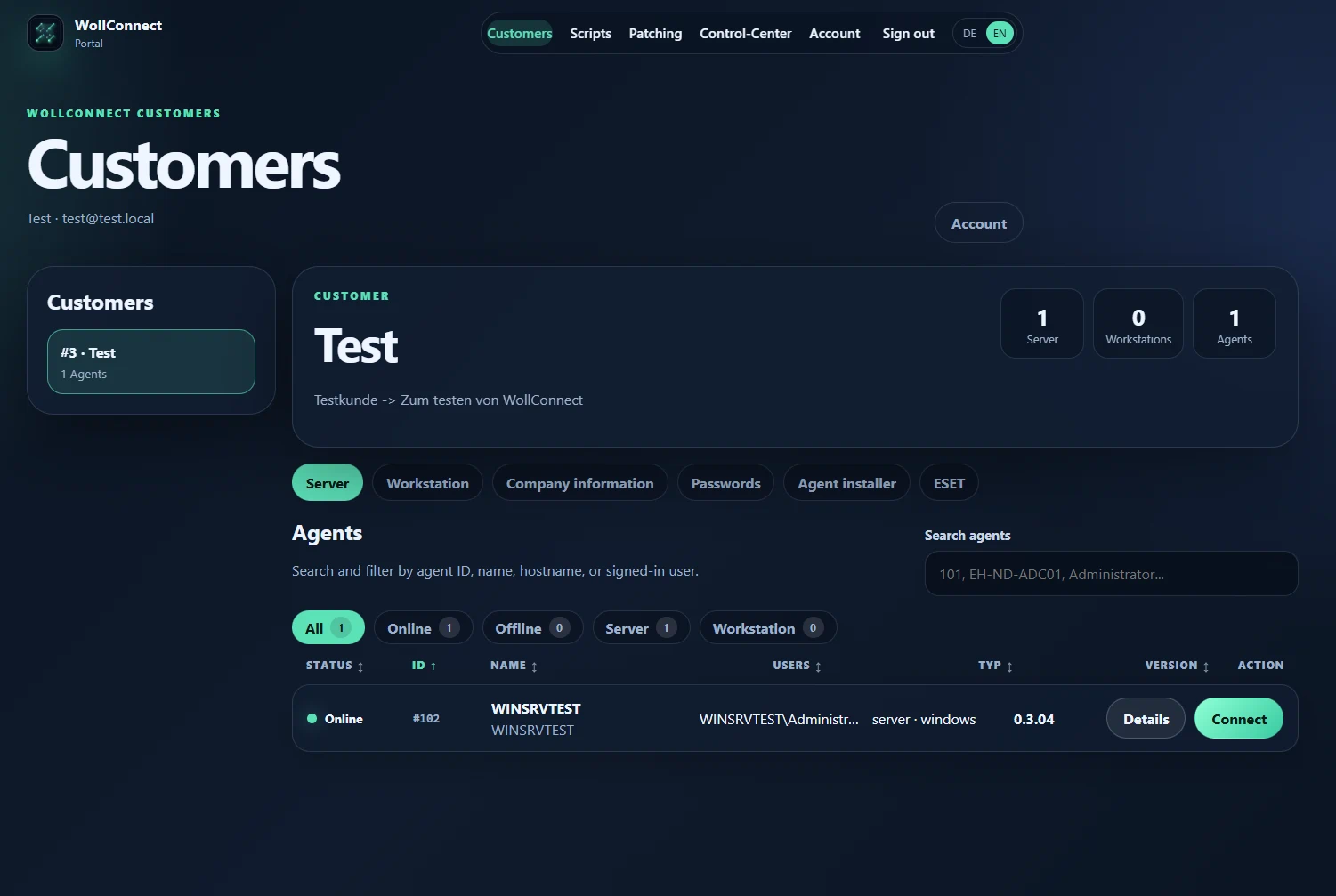
Every machine belongs to exactly one customer. Technicians are assigned to customers, not to individual machines — whoever is responsible for a customer sees their machines and no others. Reassign a machine and the visibility moves with it.
That applies retroactively to everything found on the machine: update state, software inventory and job results are tied to the customer, not only to the device.
Permissions that match a real team
An MSP rarely has one kind of employee. First-level should connect but not deploy. The systems engineer should patch but not rewrite scripts. The working student should not see servers at all.
Each of these is a separate right. Because patching and software deployment are separate too, maintenance can be delegated without putting a machine's baseline configuration on the table.
Scaling by technicians, not by devices
Licensing follows technicians and unattended agents. The team grows, you add technicians; the client base grows, you add agents. Either can be increased without changing plan.
Cloud Team includes three technicians, 10 unattended agents and three concurrent sessions per technician. Cloud Business starts at six technicians and six sessions each — the numbers in detail.
Maintenance without a second product
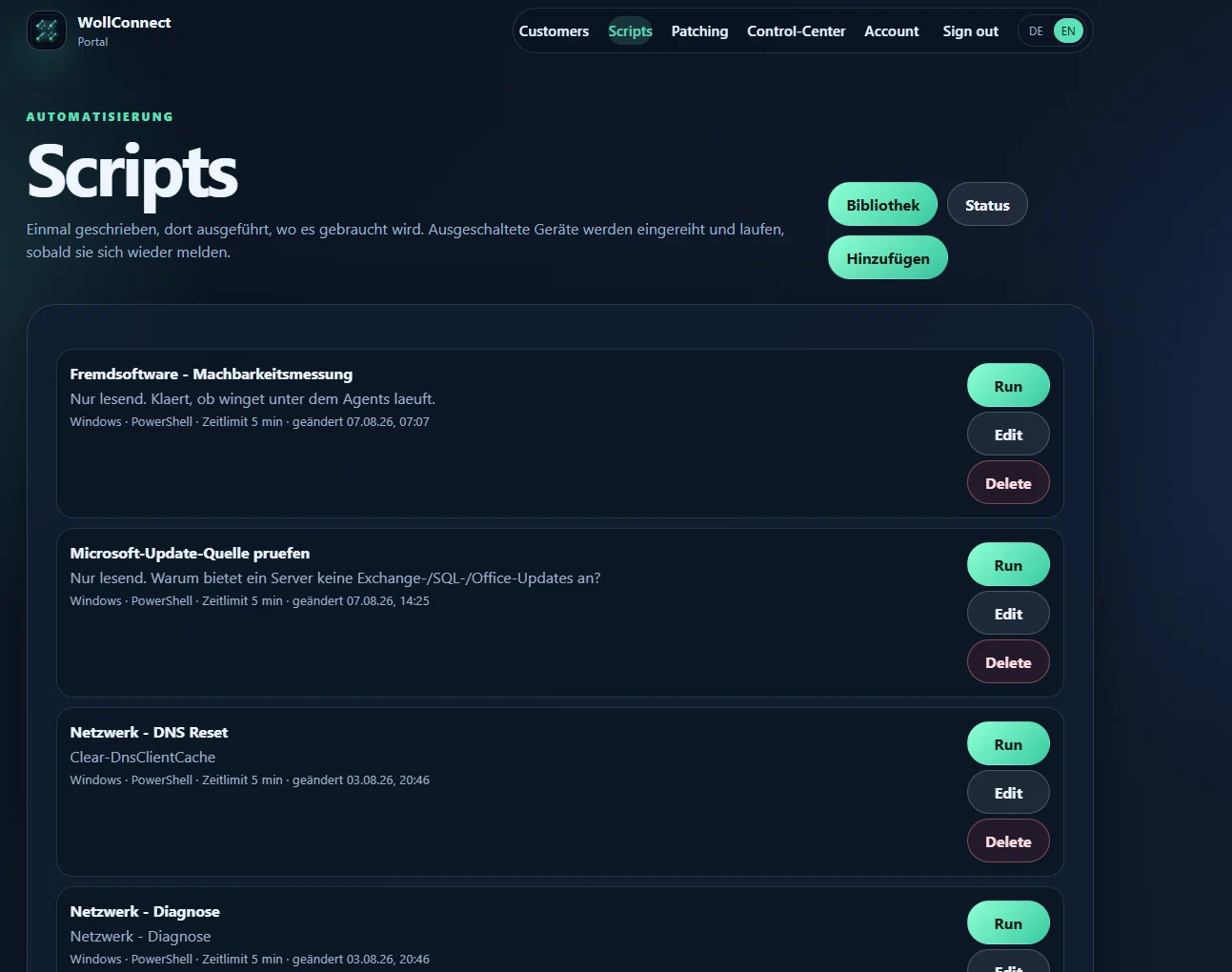
For an MSP, remote access is rarely the whole job. Patch management for Windows, Exchange and third-party software is included from Cloud Team, scripts from Cloud Business — over the same agent that is already installed.
Frequently asked questions
Can we keep clients separated from each other?
Yes. Machines belong to a customer and technicians are assigned to customers. A technician without that assignment does not see those machines.
What does an additional technician cost?
€40 per month on Cloud Team, €52 per month on Cloud Business. Both can be increased at any time.
Is there an on-premises edition?
Yes, scoped individually — more about that.