
Patch management
Patch management for Windows, Exchange and third-party software
The hard part about patching is not installing. It is knowing whether you can trust the result. WollConnect re-measures after every installation — and says so when a count reads zero for a reason other than "nothing outstanding".
See patch management See cloud plans
Three sources, three separate operations
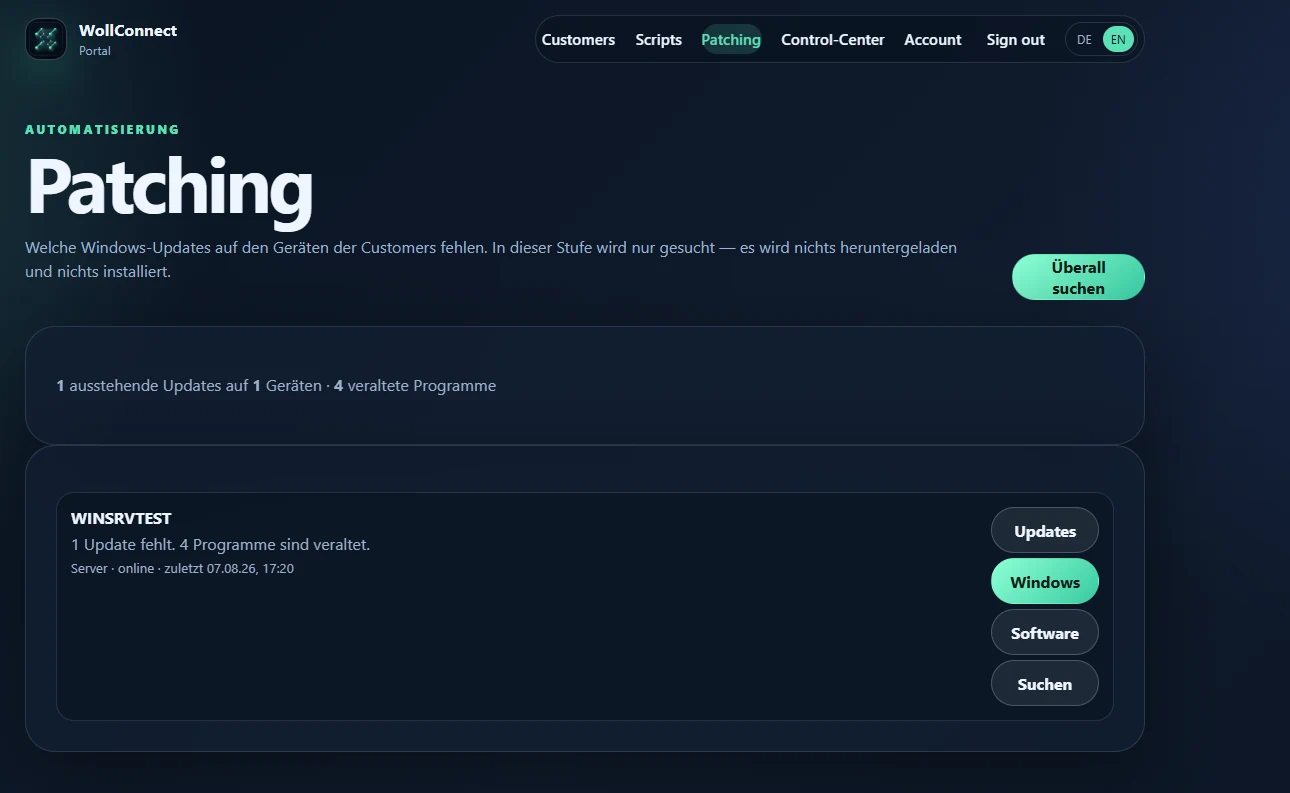
Windows updates, Exchange security updates and outdated third-party software appear on one page — but they install separately. That is deliberate: an Exchange security update stops the services and takes a mail server out of production for minutes; a new 7-Zip nobody notices. Putting both behind one button makes that decision on someone's behalf.
The Exchange button appears only where Exchange actually runs — not where only the management tools are installed. Third-party software is federated across Winget, Chocolatey and Scoop, package by package, with a result per package. The central catalogue combines WollConnect-curated standard packages with automatically discovered fleet packages and has no fixed application ceiling.
Policies from MSP down to site level
Approvals, blocks, patch delays, maintenance windows and reboot rules are enforced on the server before every manual or automatic installation. Sites inherit the customer policy and can override it deliberately. Individual devices can receive a complete policy override of their own.
Test, pilot and production rings have persistent success thresholds and observation periods. Glob rules can approve or block patches by ID, package, title, category, severity or provider.
NOC intelligence, retries and controlled rollback
The NOC dashboard prioritises exposed devices, stale inventories, terminal job failures and open rollbacks. Advanced cross-customer reports export as CSV; the patch audit chain records actor, target, outcome, technical detail and chained verification hashes.
Failed automation jobs retry with a configurable attempt count and exponential delay. Windows, Exchange and software rollbacks use a persistent four-eyes workflow and are sent to a device only after separate approval.
What other tools stay quiet about
A server without the "Microsoft Update" source reports zero outstanding updates entirely truthfully — and is still unpatched, because Exchange and SQL updates arrive through that source and it is simply not registered on many machines. WollConnect detects this and writes "Windows only" instead of "up to date". The source can be added with one click.
The same applies to restarts: updates that are installed and only waiting for a reboot drop out of the search. A machine in the middle of a patch run would look finished. The reboot state is therefore measured and shown separately.
Re-measure instead of trusting the report
Windows reports success for an update even in cases where it is offered again afterwards. So no installation report removes anything from the list — a fresh search runs automatically after every installation, and what you see comes from that measurement.
When something fails, the reason is stated in plain language next to it rather than as a code. "Not enough disk space" is an instruction; "0x80070070" is a research task.
What never runs automatically
Databases, backup software and security software are shown but never updated silently. A database major-version jump triggered by a bulk checkbox is not patching — it is an outage with advance notice. They appear in the list marked "manual only", so the decision stays with a person.
Frequently asked questions
Which plans include patch management?
From Cloud Team. Cloud Business adds scripts. On-premises includes both.
Are Exchange CUs installed too?
No. Microsoft Update carries the security updates (SUs). Cumulative updates (CUs) ship as ISO images and remain manual work — no tool can change that.
Will it reboot without asking?
No. The reboot checkbox is unticked by default, and a restart only happens if Windows actually requires one and you explicitly allowed it.